How AI Turns Speech into Text
Adapted · C2 · Graded story · 1:59 · C2 · AI-generated learning content
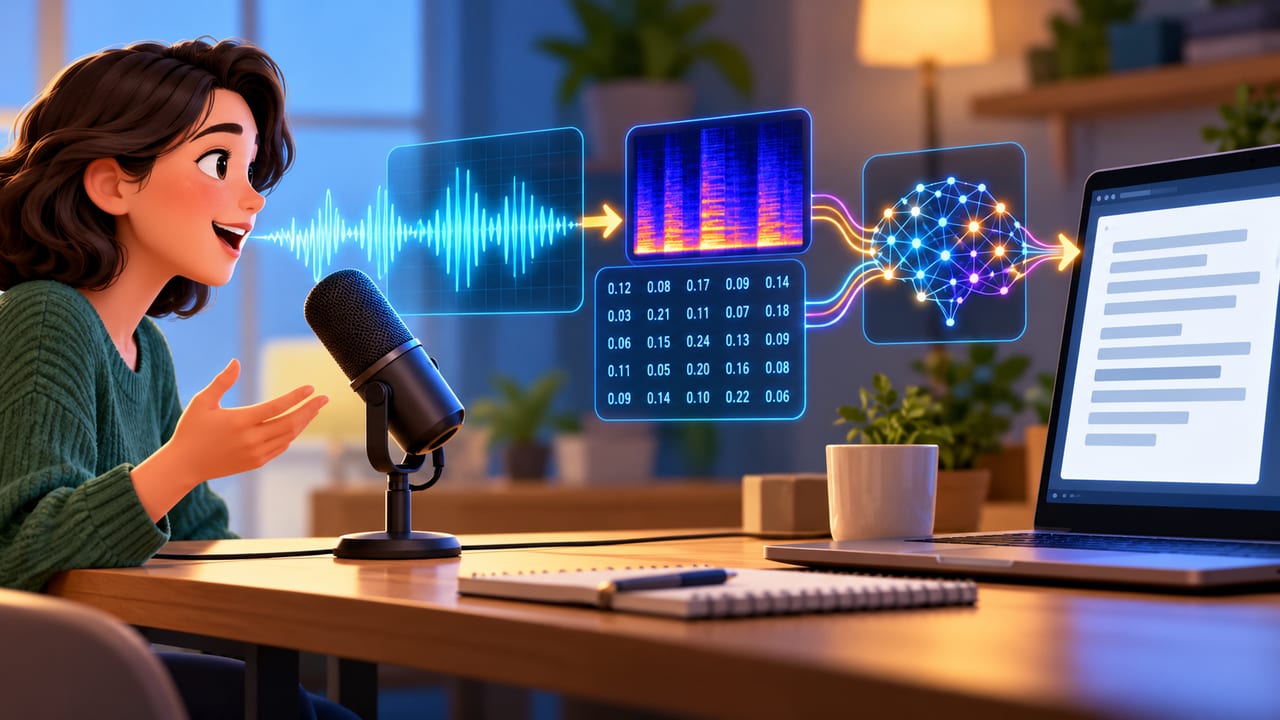
Live captions can turn a meeting or video into lines of text almost as someone speaks. But speech does not arrive as a neat row of words; it arrives as a changing sound signal. How does an AI system find language inside it?
First, a microphone converts sound into an electrical signal, which a computer stores as numbers. Speech recognition software examines short sections of this signal, looking for patterns that distinguish speech sounds, such as changes in pitch and the distribution of sound energy across different frequencies.
Many systems learn from large collections of recordings paired with written text. During training, a system adjusts its internal settings so that its output matches the text more closely. It learns patterns across many examples rather than following a separate rule for every speaker.
The next challenge is joining sounds into words. In natural speech, people do not pause neatly between words, and sounds change as words run together. The AI therefore draws on both sound patterns and language patterns to choose a likely sequence of words.
Imagine, for example, someone discussing baking. If a sound could match either "flour" or "flower," the surrounding words can help the system choose. Context is useful, but it can also lead to mistakes: a likely sentence is not necessarily what someone actually said.
Background noise, overlapping voices, and unfamiliar names can make recognition harder. A system may also perform less well with speech patterns poorly represented in its training material. Even apparently clear punctuation may be a prediction rather than something directly present in the sound.
These tools can reduce typing and make spoken information easier to follow. However, a smooth transcript is not proof of perfect listening. When an important detail matters—especially a name, number, or word such as "not"—checking the recording remains valuable.
Comments
0Share what you noticed, understood, or still find difficult in this article.